Command-Line 101 : The Basics
Command-Line 101 : The Basics
Linux and command-line for beginners
Introduction 📖
Welcome to this command-line class!
In this entry level course you will learn how to use a terminal and navigate through a Linux filesystem.
This class is supposed to be followed with hack.courses open alongside, the challenges are made to be completed in the website’s interactive terminal.
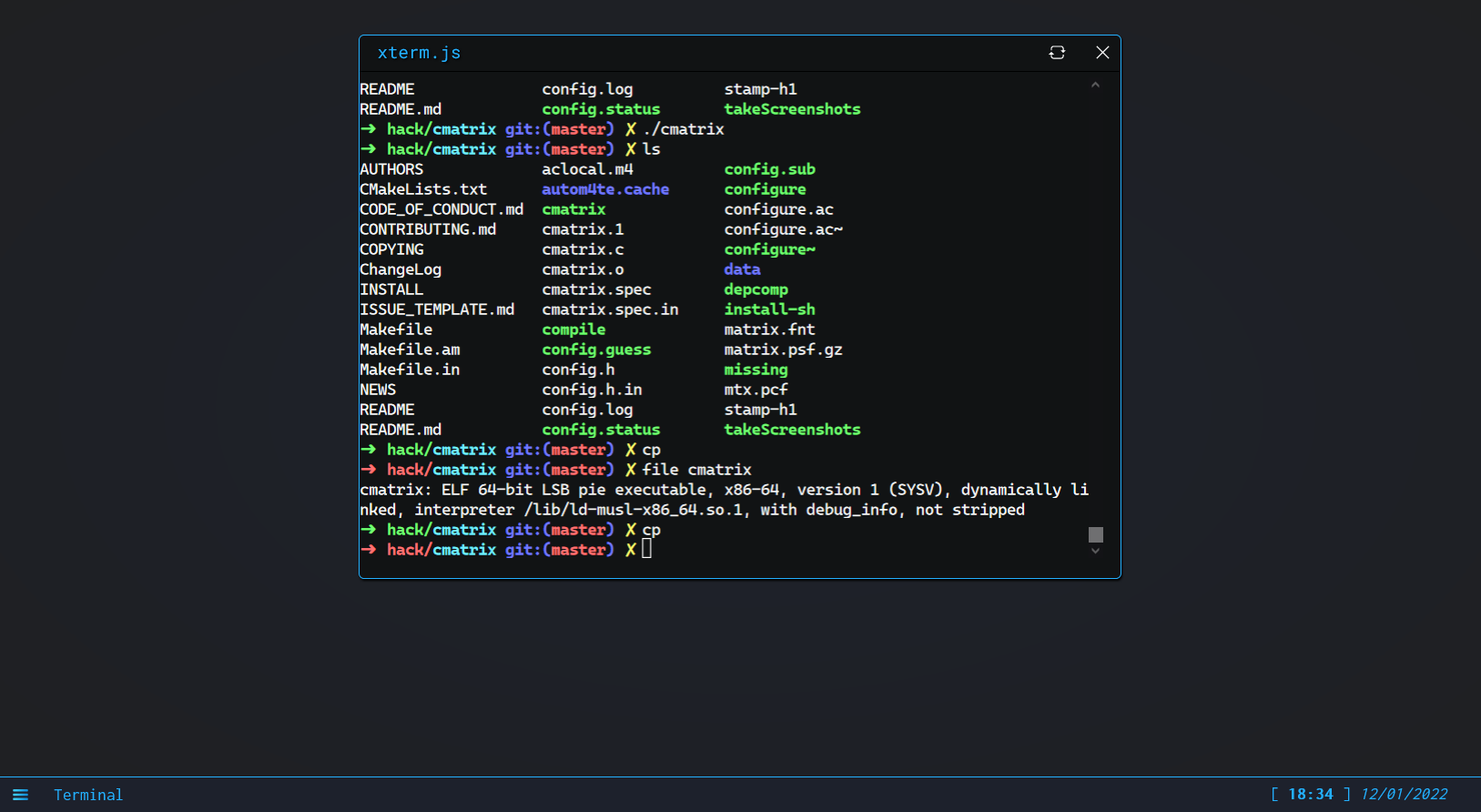
What’s command-line 💻?
A command is an instruction (or a set of instructions) given to a machine.
A command-line is (by extension) a textual line containing one or multiple commands destined for a computer.
A command-line interface (or CLI) is an interface which is made to be interacted with using commands-lines, contrary to a graphical user interface (or GUI).
You can type commands in a software called a command-line interpreter (or shell) for a computer to do specific actions.
The terminal window on hack.courses is an example of a command interpreter.
A command usually looks like this :
$> openfile filename.txtNote : The characters “$>” here are not part of the command, they represent the prompt usually displayed by shells to let the user know they can type a new command.
What are the existing commands?
The commands you can possibly type depends on the command-line interpreter you use, and more generally on the Operating System you’re working on.
Windows machines used to understand commands based on DOS, nowadays they also use PowerShell’s syntaxes, Linux and “unix-like” machines (Ubuntu, MacOS) use commands similar to the Unix Shell, this is the type of commands we’re going to cover during this class.
Note : If you do not understand precisely what Linux, GNU/Linux and Unix are yet, it’s okay, it’s not mandatory for this course.
Why do we (still) use command-line?
Whatever you can do with a graphical user interface, you can do with command-line, also most of the time command-line is much more efficient and lightweight! But don’t take what I tell you for granted, you’ll soon be able to try it for yourself.
Also, commands can be chained and logic can be added, which allows the automation of an almost infinity of tasks!
Hands-on 🤜!
Let’s start working on your first commands with a little bit of practice!
For each quizz in this course, you will have to find a flag.
A flag is a character string following this format :
flag{f572d396fae9206628714fb2ce00f72e94f2258f}Move to the first question in the next course section containing the task and select the correct flag in the quizz input.